See your numbers (Insights)
Understand your cashflow, not just today’s totals.
Today’s totals tell you where you are; Insights tells you where you’re heading — while there’s still time to act. A quiet month shows up in the trend before it hits your bank account; a customer who always pays late shows up in time-to-paid before you take their next big job; quote conversion tells you if your pricing is scaring work away.
- Home → Insights (on Free this tile shows a lock → it opens the upgrade screen).
- Pick a period and see your income trend, % vs the previous period, outstanding, average time-to-paid, top customers, quote conversion and a VAT-in-sales estimate.
- Share report to send a summary to your accountant.
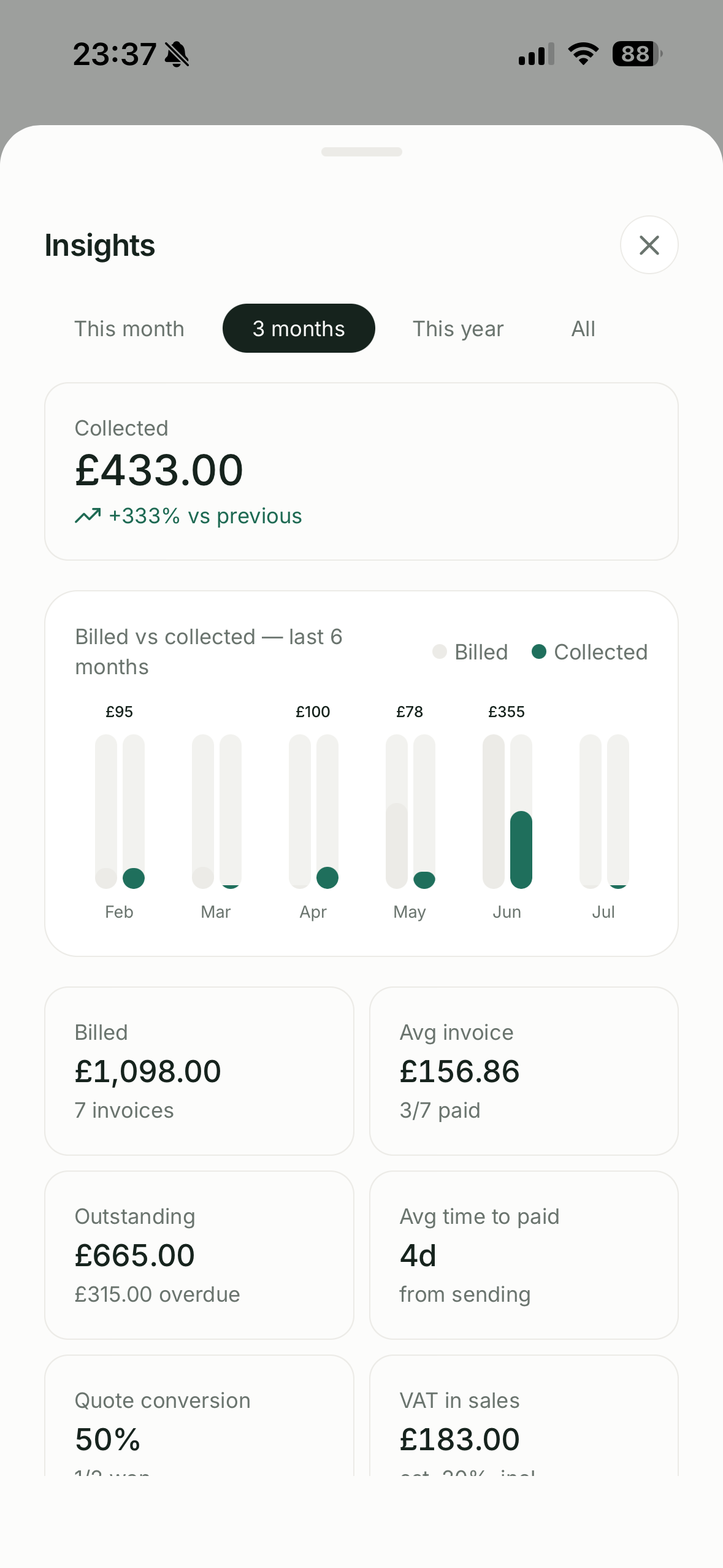
On Free, Home shows the headline £ totals (Owed / Unbilled / Collected); the charts & breakdowns are Pro.
Still stuck? Contact support.