Chase an unpaid invoice
Nudge late payers without the awkwardness.
Late payments are the #1 cashflow killer for sole traders — and the real reason invoices go unchased isn’t forgetfulness, it’s that chasing feels awkward. Speakpaid takes the awkwardness out: it surfaces exactly who’s late, hands you a polite ready-worded message (which firms up a little each time, so you never have to escalate in your own words), and stops the moment they pay.
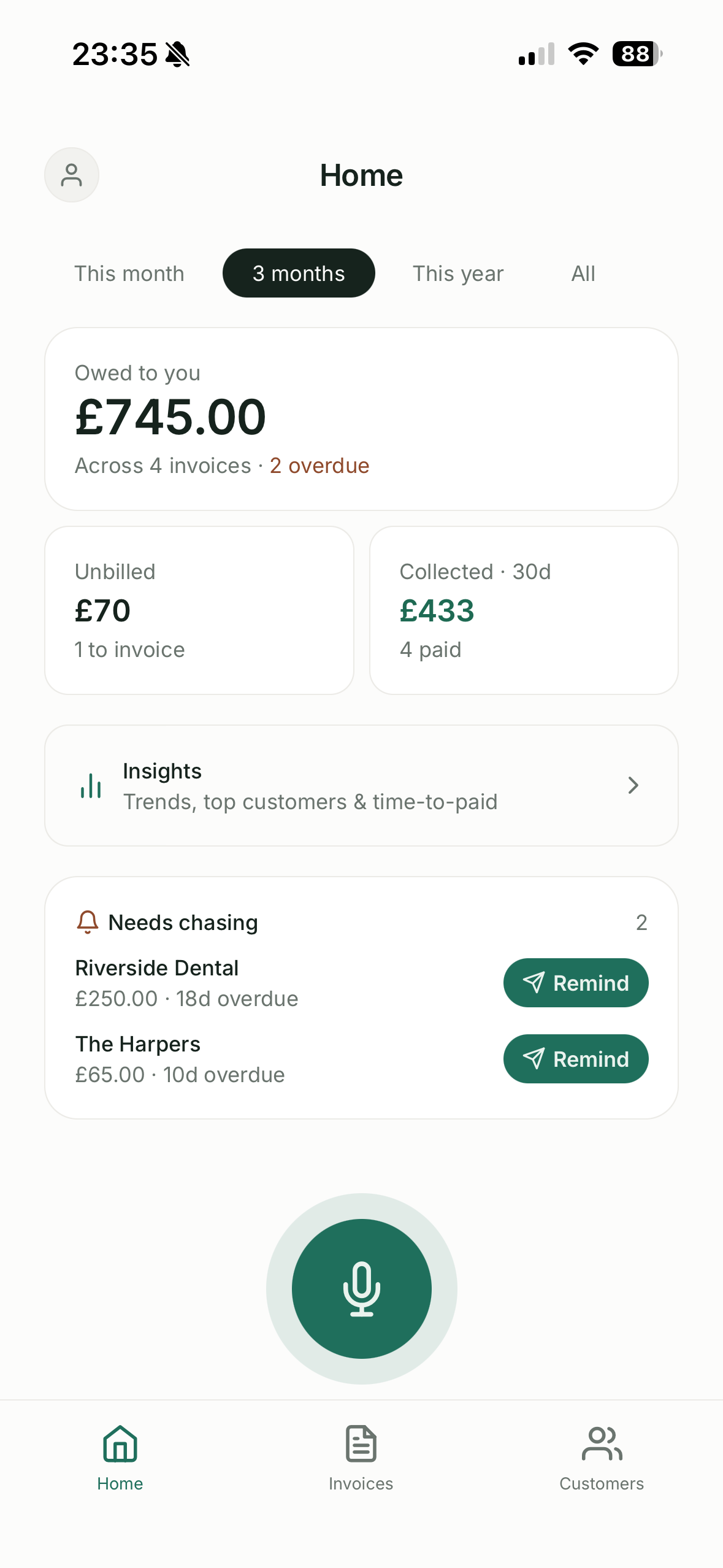
- Overdue invoices appear in Home → "Needs chasing".
- Tap Remind — we open a polite message through the customer’s preferred channel. The wording firms up the more times you chase.
- Chasing stops automatically once the invoice is paid.
Automatic reminders Pro
On Pro you don’t have to remember to chase: Speakpaid sends the reminders for you on a schedule, with a daily push to keep you in the loop, and still stops the moment an invoice is paid. Start it in Settings → Speakpaid Pro.
Still stuck? Contact support.